Authenticity
Every piece can prove where it came from.
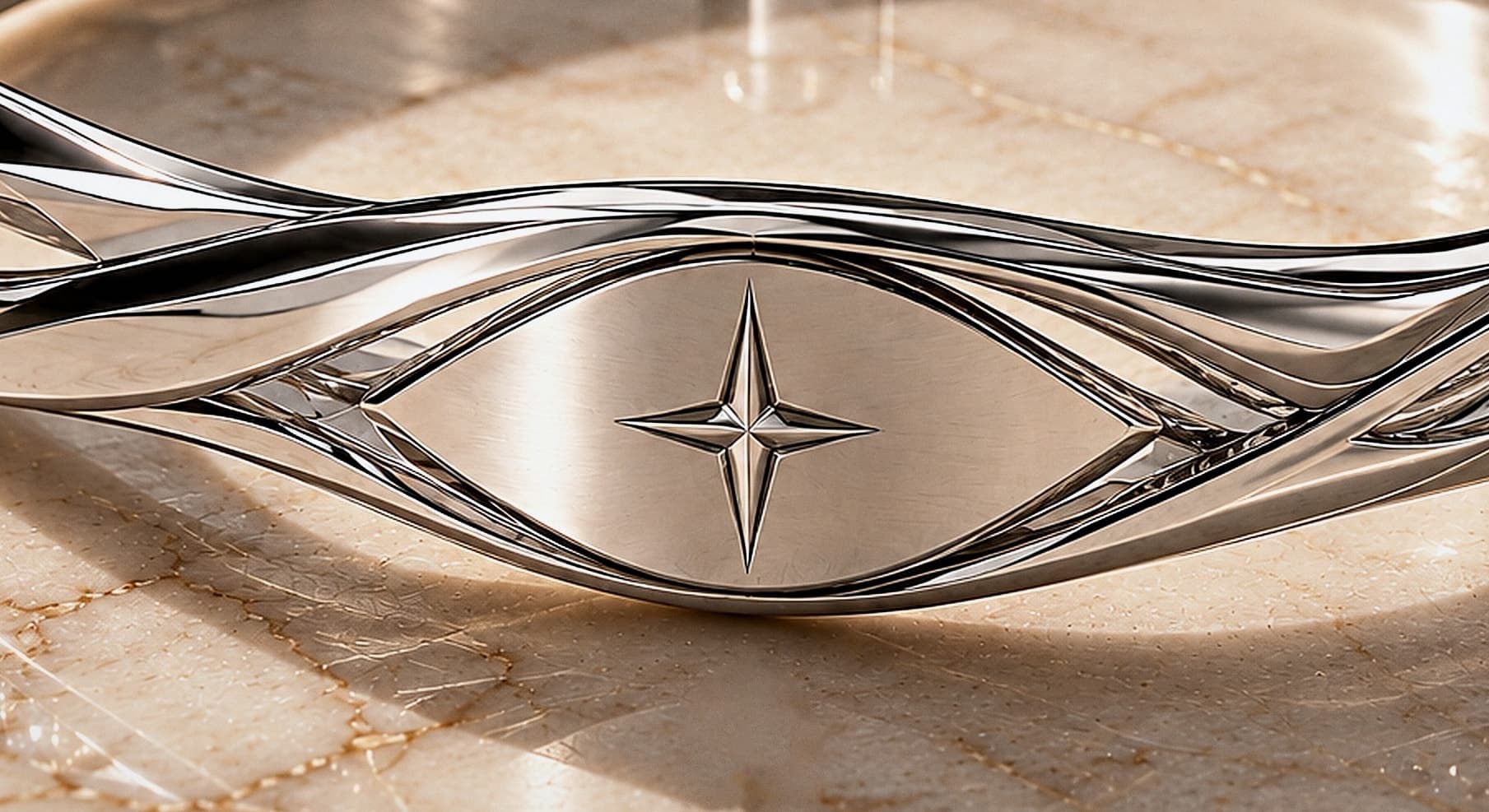
Each OZARA bracelet carries an NFC tag linked to our register. Hold the eye to a phone — or enter the bracelet ID — to verify it.
01
Tap
Hold your phone to the bracelet. Its link opens — no app required.
02
Checked
OZARA looks the bracelet up in its register of issued pieces.
03
Result
You see at once whether it is authentic, active and registered to an owner.
What the result means
- Authentic
- The bracelet is in our register and active. If it has been registered to an owner, we say so — without showing personal details.
- No longer valid
- We have deactivated this bracelet, for example after it was reported lost. Contact us if you think this is a mistake.
- Not recognized
- We couldn't find this identifier in our register. That doesn't by itself mean a piece is counterfeit — contact us and we'll help.
How it works today. The tag holds a secure web link with the bracelet’s identifier; our servers check that identifier against the register and record the check. It confirms a bracelet is one we issued and its current status. Cryptographic tags, which make a tag itself impossible to copy, are planned for future pieces.
Organising an event? Door staff verify at /verify with the organiser code we provide.